
← All how-tos
How to export travel orders
The monthly travel-order export from eDriver: pick the period and download it or send it to your accountant – in three steps.
Updated:
Steps
- 1
Open the export
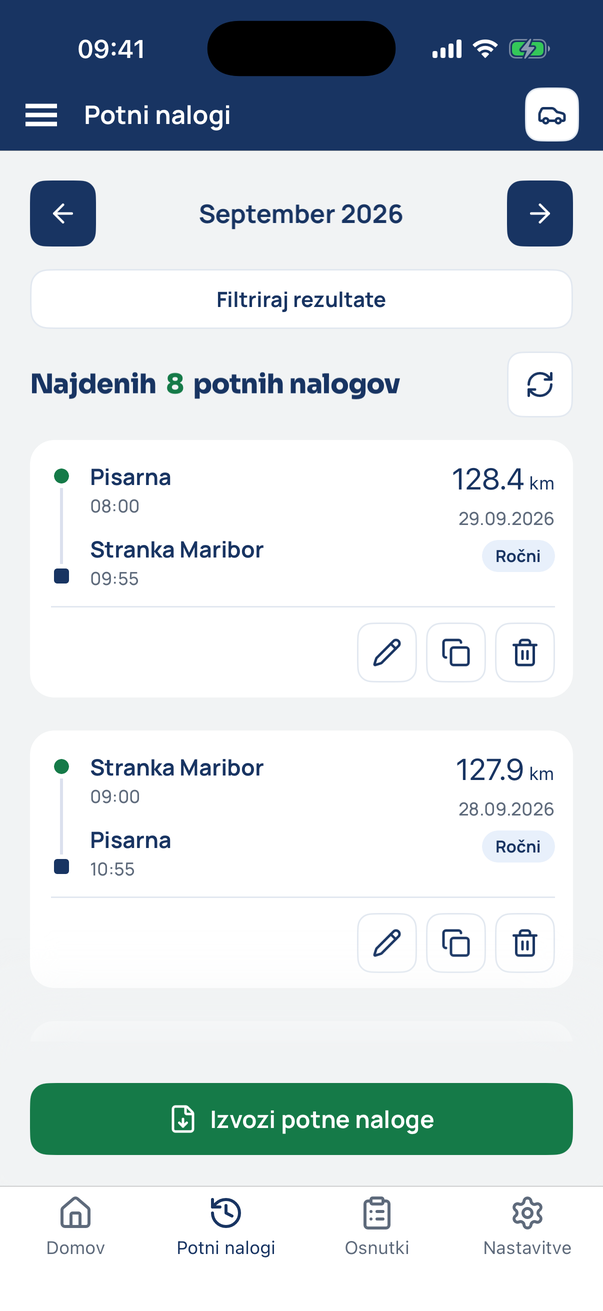
In the Travel orders tab tap Export travel orders.
- 2
Choose the period
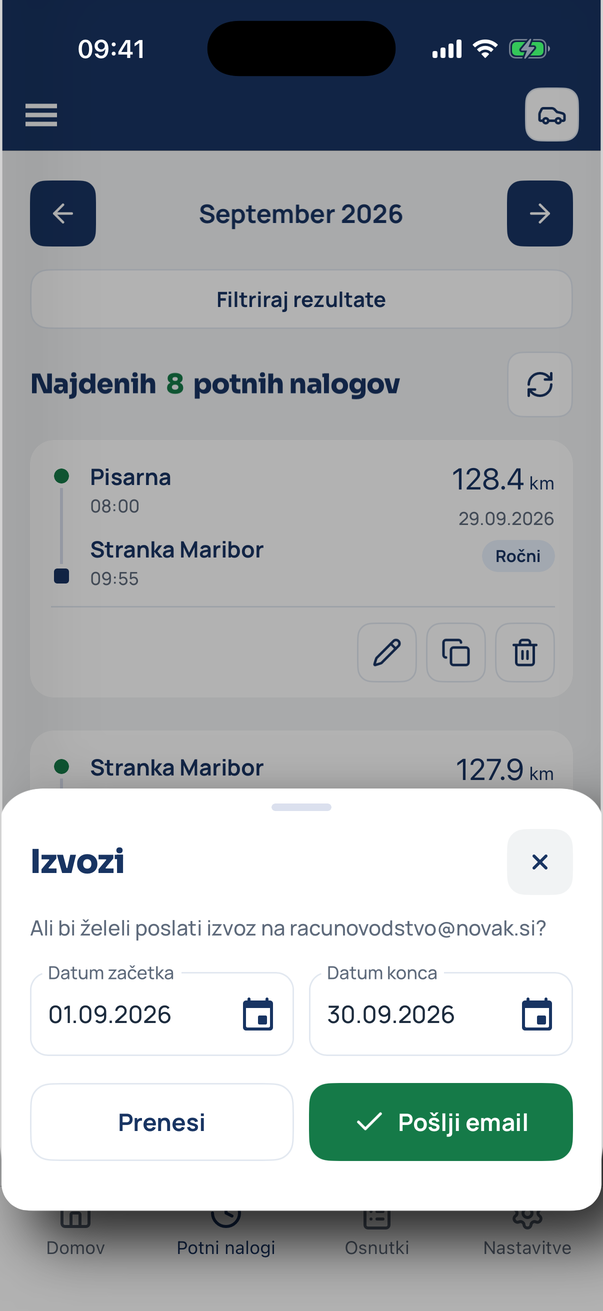
Set the start and end date. Download saves the file to the phone, Send email sends it to the accounting email.
- 3
The export is sent
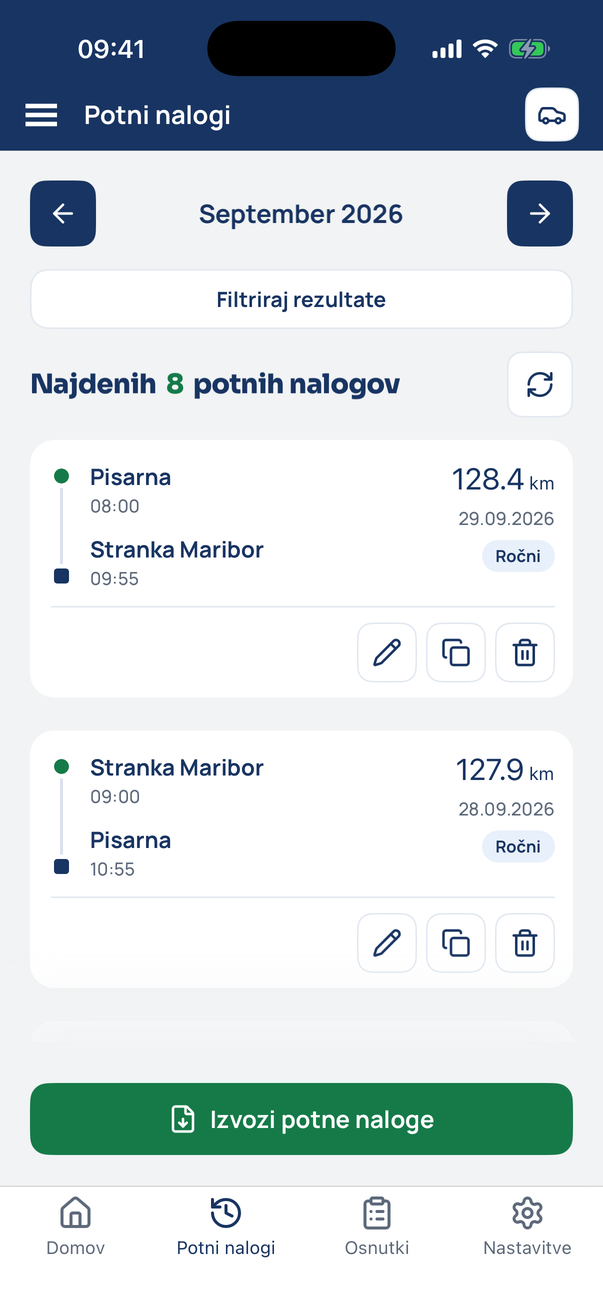
The app confirms the sending. Change the accounting email in Settings under Company.
Tip
The export contains every trip of the period with expenses and attachments. Drafts are not included – confirm them first.
Related how-tos
Try eDriver free for 14 days – no card needed.
Start free trial