
From trip to accountant in four steps
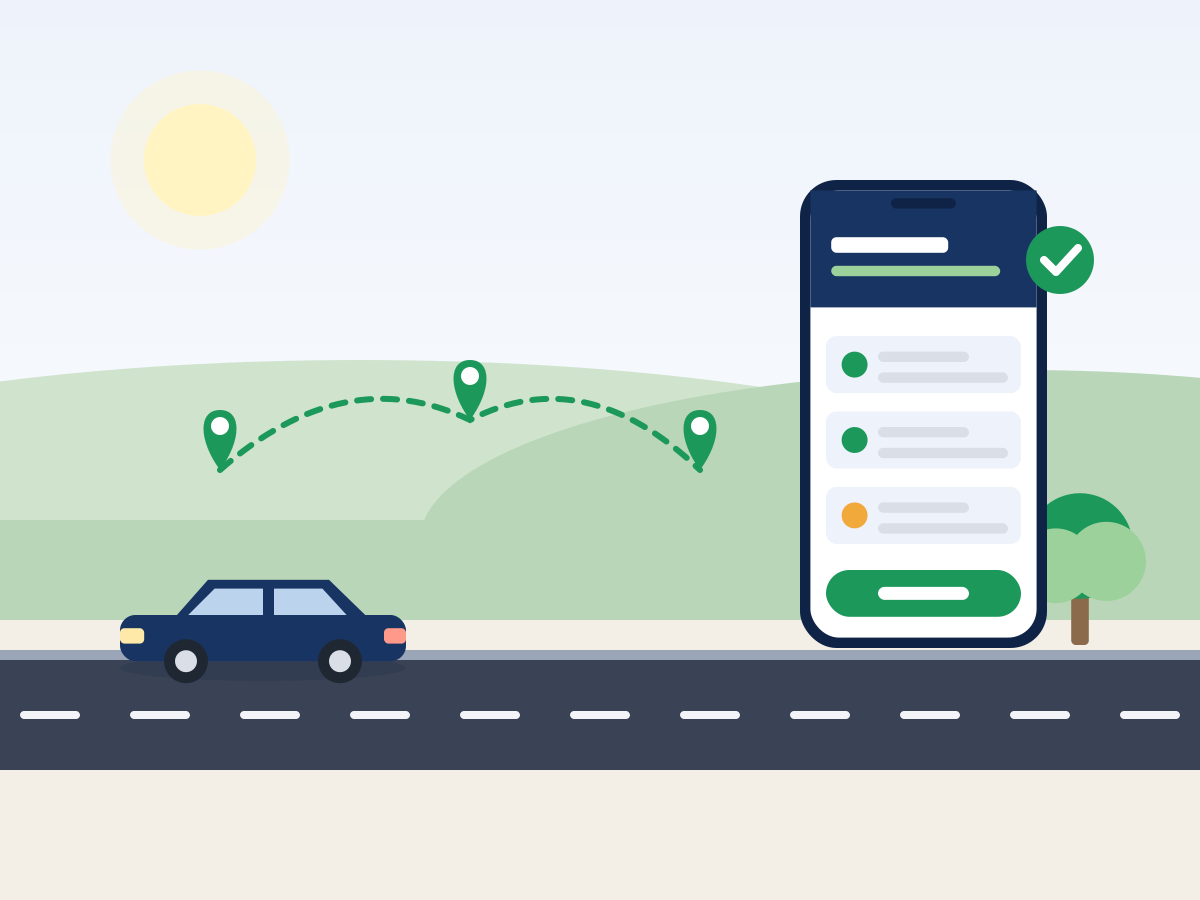
eDriver works in four steps: the user installs the app and adds a vehicle, the phone detects and records the trip automatically while driving, the user confirms the trip and adds a purpose or receipt if needed, and at month end the app prepares the travel orders and expense report that the company sends to its accountant with one click.
570,000+ kilometres recorded300+ registered companies
Need help with the app?
Every task with screenshots: from the first trip to the monthly export.
Four steps
- 1
Install
Download the app, create an account with your email and add a vehicle with its plate and odometer.
- 2
Drive
The phone detects the start and end of the trip. You do nothing.
- 3
Confirm
Confirm the purpose or pick a calendar event. Add evidence if you have it.
- 4
Export
At month end prepare travel orders and the report and send them to your accountant.
What the accountant receives
The accountant receives an Excel with mileage, per diems and other expenses per employee, together with the receipt photos, and can import or retype the data into their software.
What happens to private trips
Private trips stay private. The app does not include them in travel orders and you can delete them at any time. The company sees only its employees' business trips.
Try eDriver free for 14 days
Confirm a travel order with one tap.
An eDriver subscription for travel orders costs from €9.90 + VAT per user per month, and €4.70 + VAT from 101 users; the yearly plan costs ten times the monthly price, so two months are free. Prices checked on 21 October 2026.
- Unlimited travel orders
- Automatic trip and proof detection
- Mileage and per diem statement
- Export and delivery to accounting
€9.90
+ VAT / month per user
or €99 + VAT per year (two months free)
Frequently asked questions about travel orders and eDriver
How long does setup take?
Under five minutes: install, account, vehicle and location permission.
Can I add past trips?
Yes, trips can be entered manually with date, route and purpose.
Must travel orders be issued before the trip?
The law requires an order before the trip. eDriver lets you prepare it in advance from the calendar and completes the data after the trip.
Try the process on your own trip
14 days free, no credit card.
No credit card · 14 days free · Cancel anytime